Introduction: Why Office Online Server is Needed?
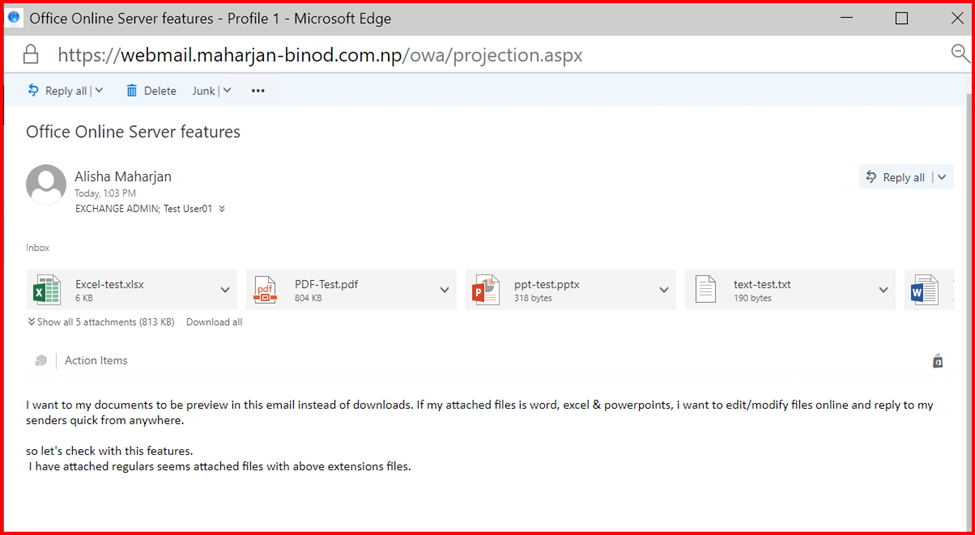
In modern Exchange environments, offering seamless file previews within Outlook on the Web (OWA) greatly enhances user experience. While PDF and TXT files typically open directly in the browser, Word, Excel, and PowerPoint documents often fail to preview—displaying a message like “This file can’t be previewed”. This issue arises because, unlike simple file formats, Office documents require a rendering engine that can interpret and display Microsoft Office formats natively in the browser.
To resolve this, Office Online Server (OOS) needs to be integrated with Exchange. OOS provides browser-based viewing and editing capabilities for Office documents, making it an essential component for organizations seeking full-featured OWA functionality.
This blog will walk you through installing OOS on Windows Server 2022/2025, enabling a complete and modern web-based document preview experience.


🧱 Prerequisites
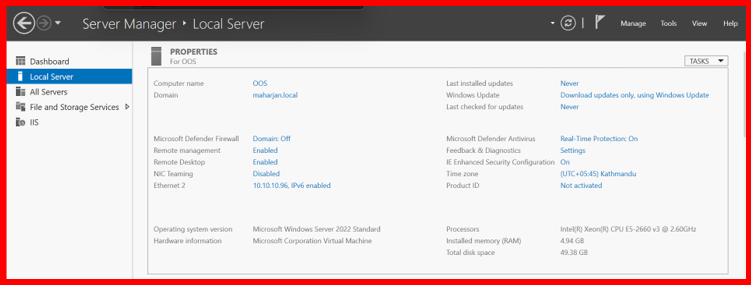
🖥️ System Requirements:
- Windows Server 2022 or 2025 (Standard or Datacenter)
- Minimum: 8 GB RAM, 4 cores, 80 GB disk (more recommended for production)
- Domain-joined server
- Valid SSL certificate (trusted by clients)
- Access to install required roles & features
- Internet access to download updates and tools
🛠️ Step-by-Step Installation
✅ Step 1: Add Required Windows Features
Open PowerShell as Administrator and run:
Add-WindowsFeature Web-Server,Web-Mgmt-Tools,Web-Mgmt-Console,Web-WebServer,Web-Common-Http,Web-Default-Doc,Web-Static-Content,Web-Performance,Web-Stat-Compression,Web-Dyn-Compression,Web-Security,Web-Filtering,Web-Windows-Auth,Web-App-Dev,Web-Net-Ext45,Web-Asp-Net45,Web-ISAPI-Ext,Web-ISAPI-Filter,Web-Includes,NET-Framework-Features,NET-Framework-45-Features,NET-Framework-Core,NET-Framework-45-Core,NET-HTTP-Activation,NET-Non-HTTP-Activ,NET-WCF-HTTP-Activation45,Windows-Identity-Foundation,Server-Media-Foundation
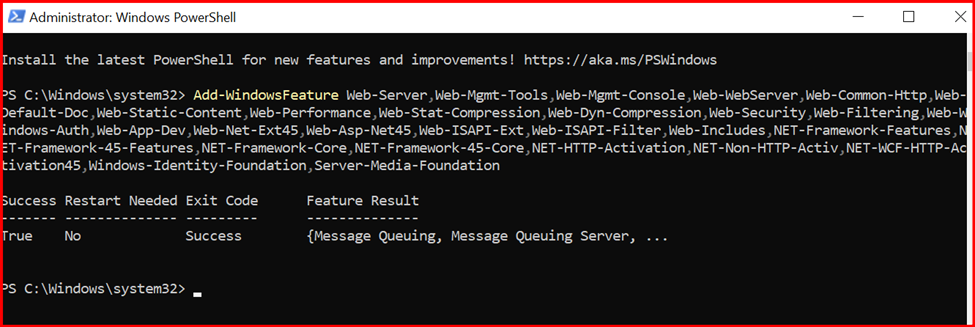
Then restart the server.
✅ Step 2: Install Office Online Server
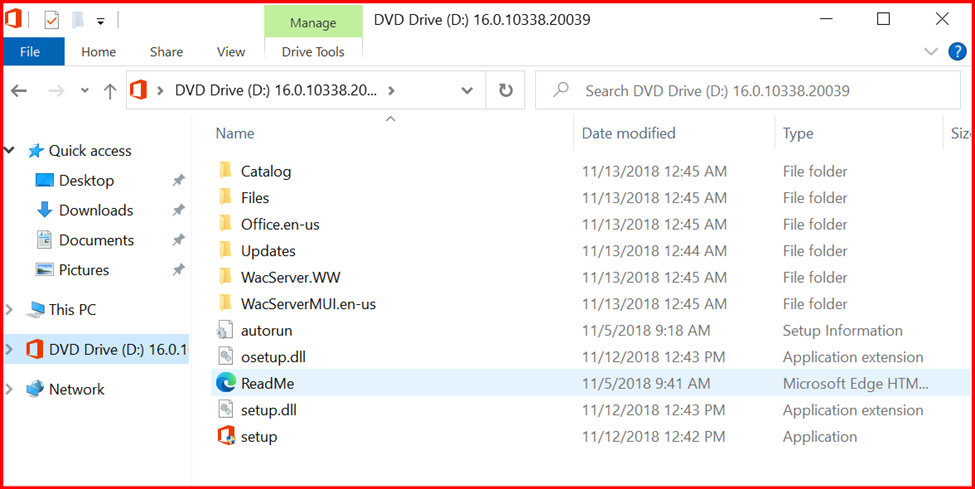
- Mount or extract the OOS ISO file.
- Run setup.exe as Administrator.
- Follow the setup wizard to complete the installation.
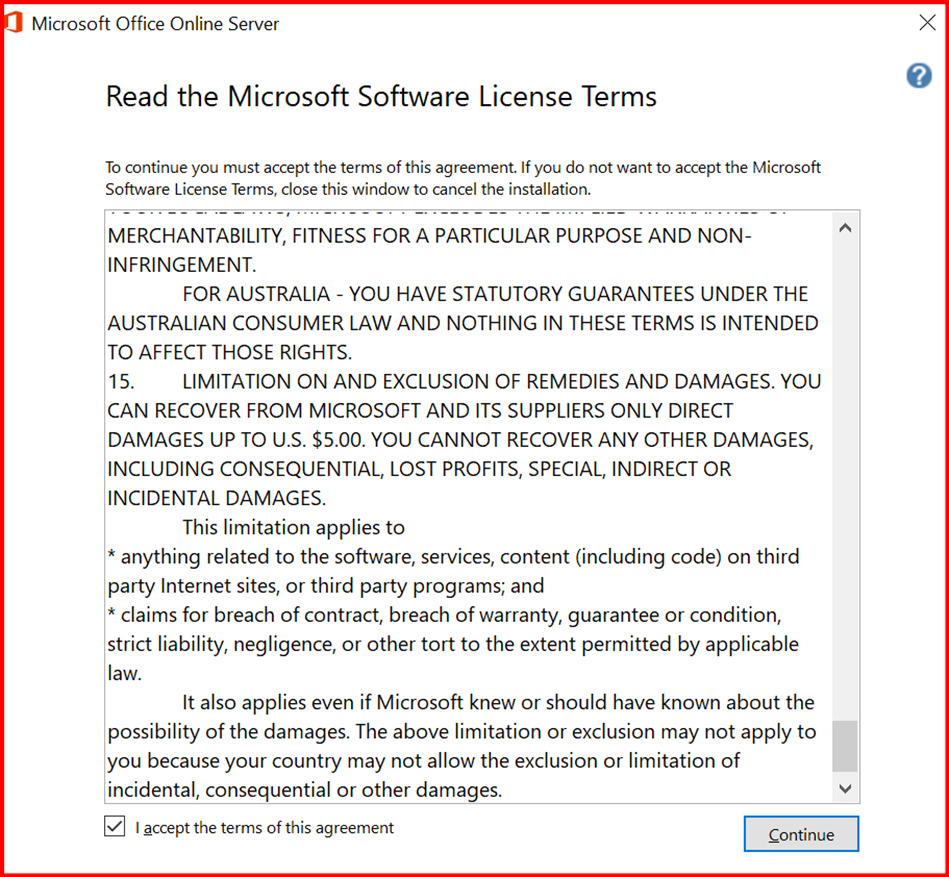
- Accept the license agreement
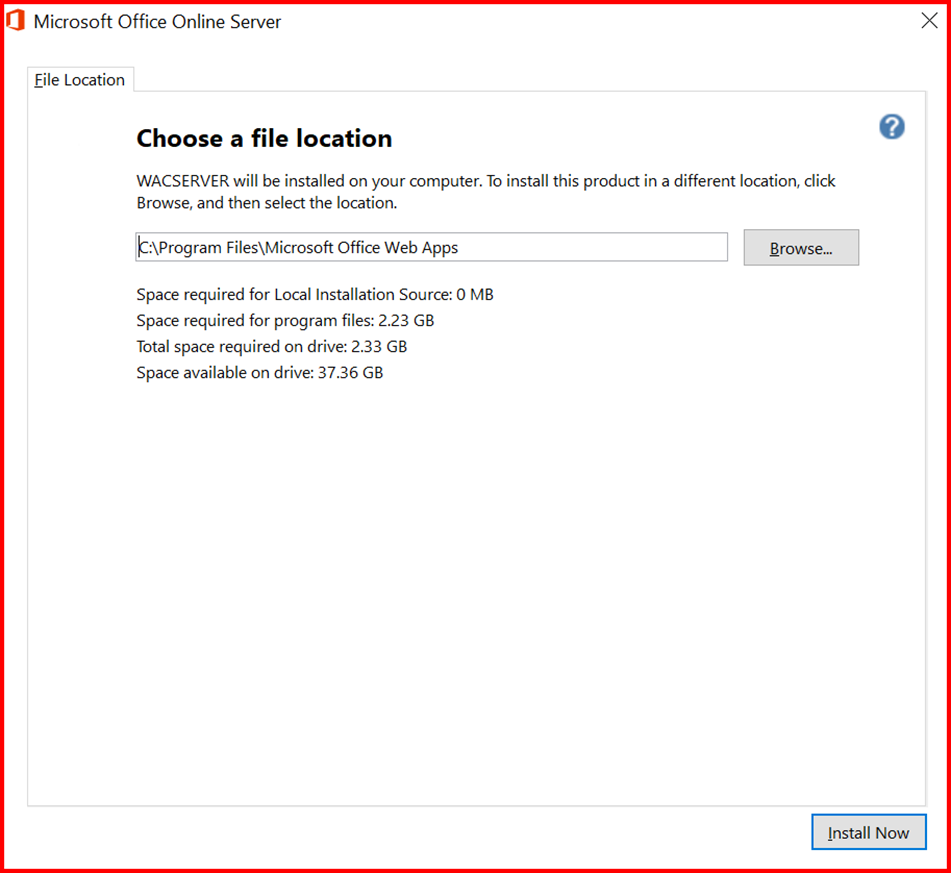
- Choose install path (default is fine)
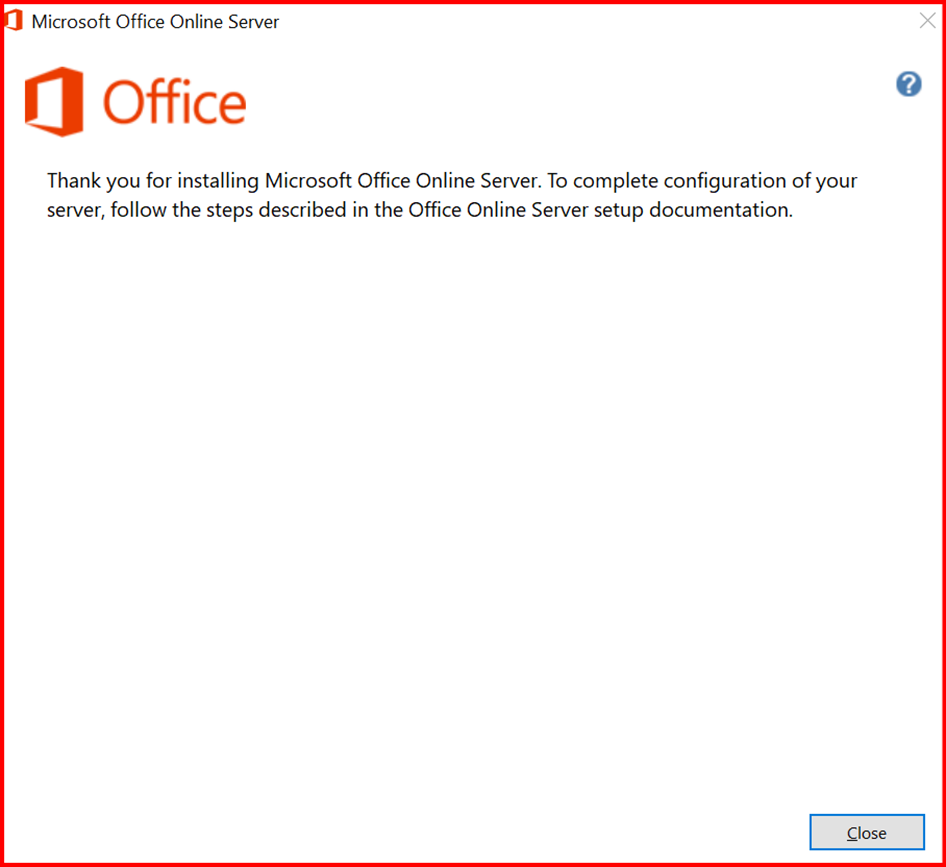
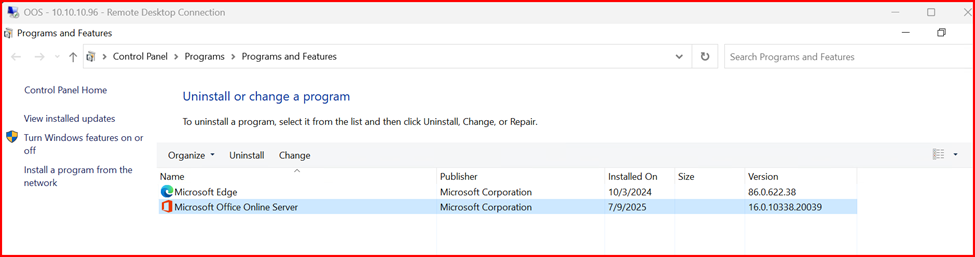
- Let it install and complete (no configuration yet)
✅ Step 3: Import Certificate in Server
In my environment, I have issued self-signed certificate from AD Certificate Authority Server.
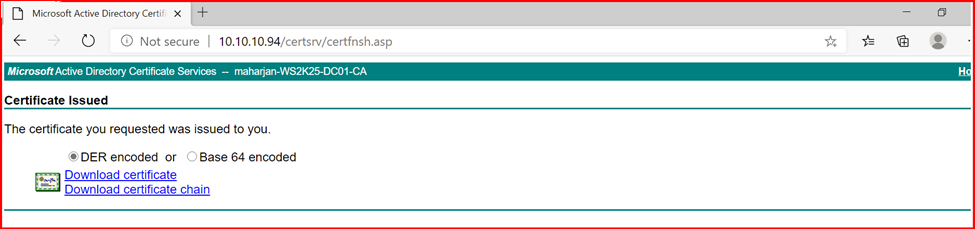

After downloading the certificate, I imported the certificate in IIS Server.
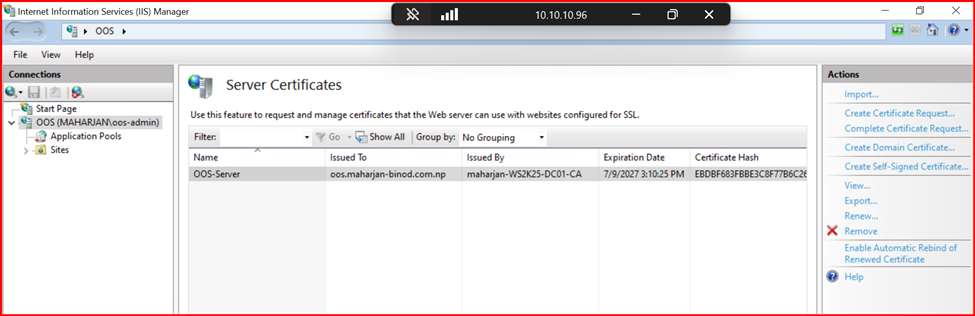
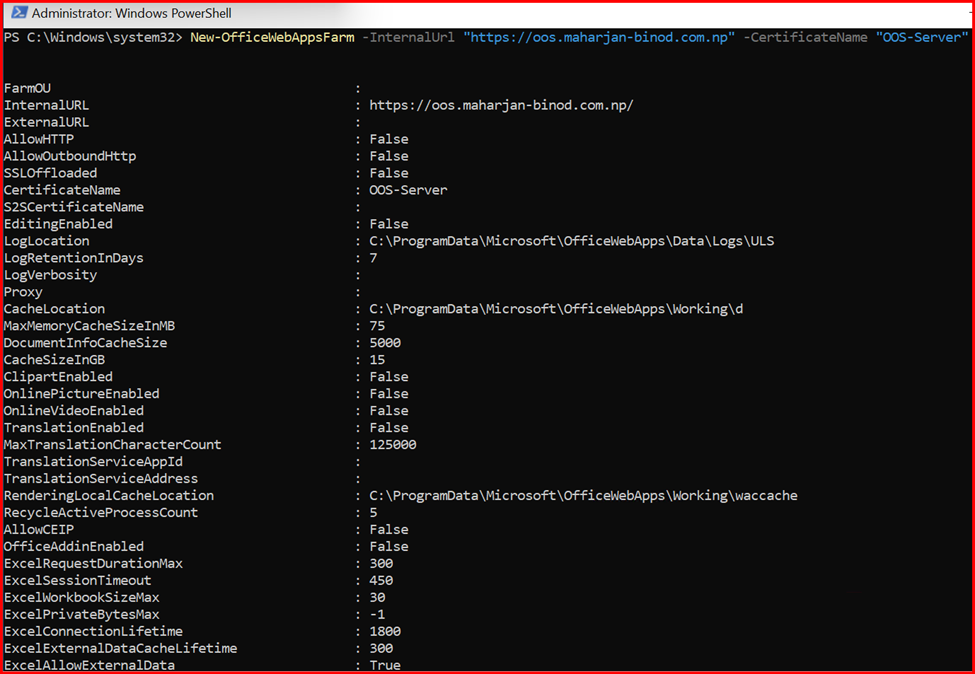
✅ Step 4: Create an Office Web Apps Farm
New-OfficeWebAppsFarm -InternalUrl “https://oos.maharjan-binod.com.np” -CertificateName “OOS-Server”
✅ Step 5: Verify OOS Installation
After creating Officewebappsfarm, verify OOS URL.
Test the OOS discovery URL: https://oos.maharjan-binod.com.np/hosting/discovery
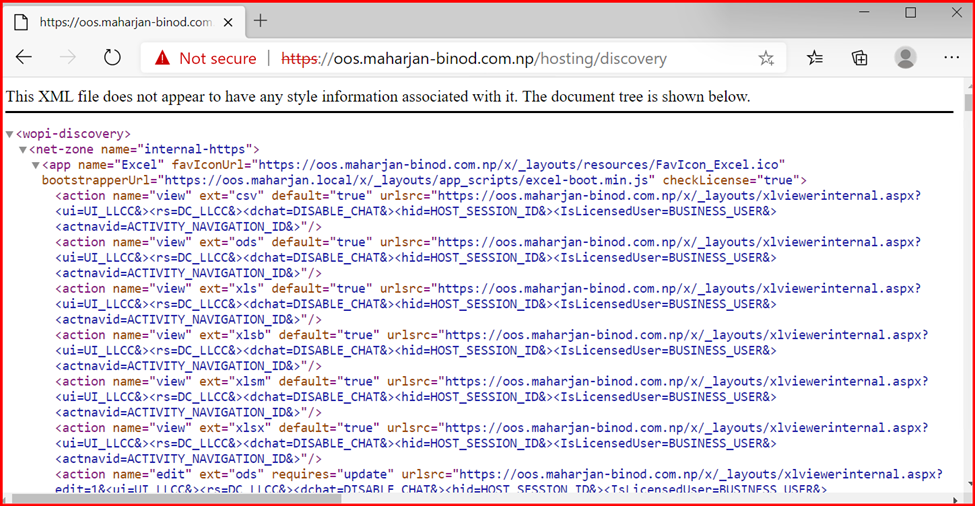
Note: You should see an XML page. If yes, SSL is properly configured, and OOS is operational.
Integration of Office Online Server with Exchange Server Subscription Edition
List everything needed before starting:
- A deployed and functional Office Online Server.
- A running Exchange Server SE.
- Both servers should trust each other (recommended to be domain joined).
- Valid SSL certificates on both OOS and Exchange.
🛠️ Step-by-Step Integration
- Enable OWA Integration on Exchange Server SE
On Exchange Management Shell, run:
Set-MailboxServer -Identity “WS2K25-EXG19” -WacDiscoveryEndpoint https://oos.maharjan-binod.com.np/hosting/discovery

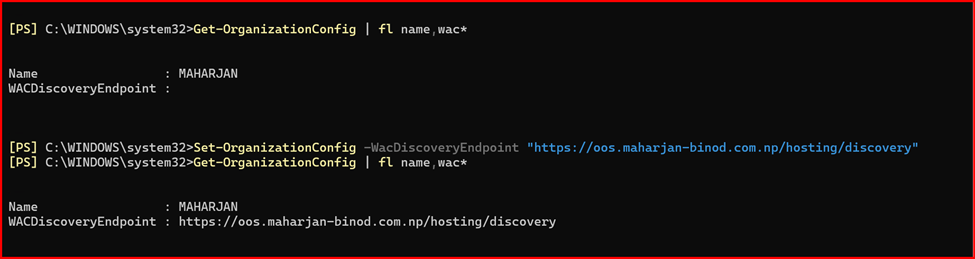
Set-OrganizationConfig -WacDiscoveryEndpoint https://oos.maharjan-binod.com.np/hosting/discovery
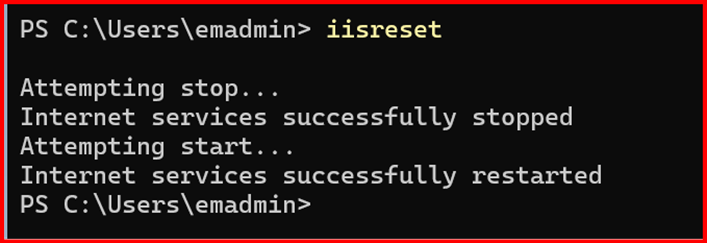
Then restart IIS: iisreset
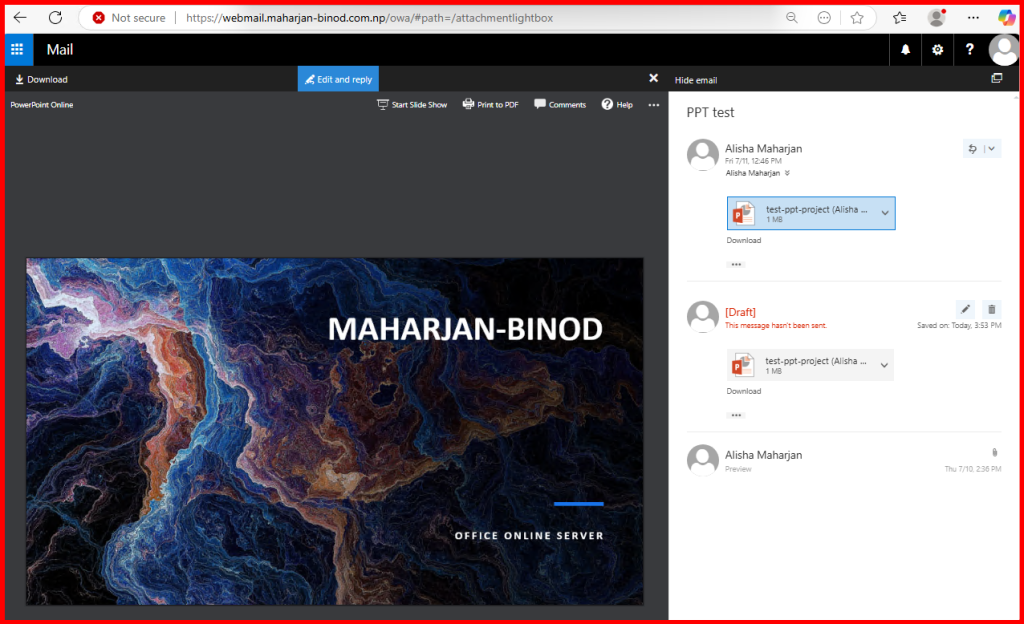
Results:
I am able to preview Powerpoint slides and editing online.
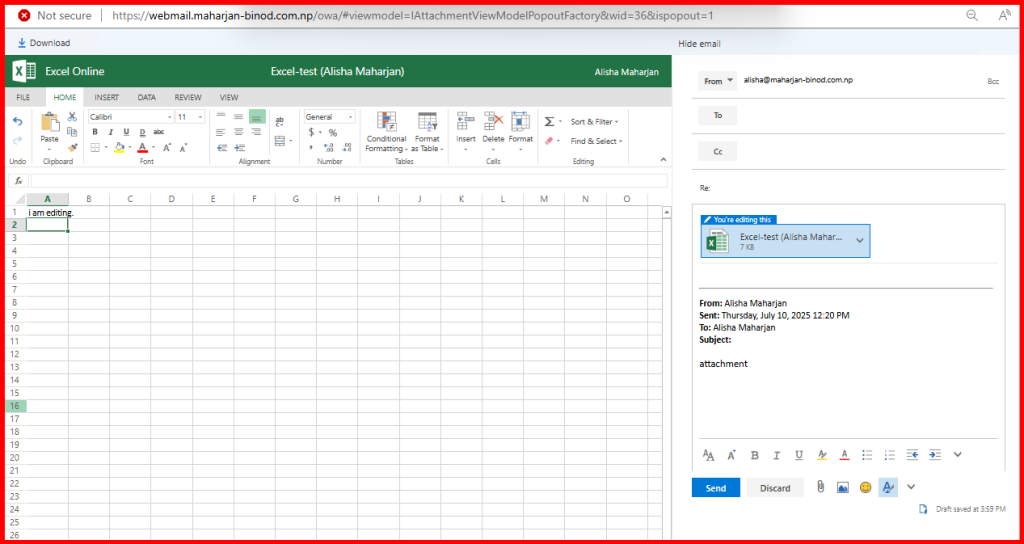
Also, testing with Excel online.
🔁 Review / Recap
In this guide, we explored the real-world need for Office Online Server (OOS)—especially in Exchange environments where users rely on Outlook on the Web (OWA) for accessing email attachments. We began by identifying the issue: Office file types like .docx, .xlsx, and .pptx cannot be previewed natively in OWA without additional configuration, even though PDFs and text files work fine.
To bridge this gap, we installed and configured Office Online Server on Windows Server 2022/2025, laying the groundwork for seamless integration with Exchange. The installation included prerequisites like .NET Framework, required Windows Features, certificate setup, and finally, configuring the OOS farm with HTTPS support. By doing so, we enabled secure browser-based viewing of Office files through OWA—providing a more modern, productive user experience.
✅ Conclusion
Deploying Office Online Server is a smart step toward delivering a complete and user-friendly collaboration experience within your organization’s Exchange environment. With OOS in place, users can view Word, Excel, and PowerPoint attachments directly in their browsers without downloading files—saving time and reducing risks.
Whether you’re supporting an on-prem Exchange Server or a hybrid deployment, OOS enhances functionality, improves document access, and aligns your infrastructure with modern workplace expectations. Make sure to keep your OOS server updated, secure it with valid SSL certificates, and monitor its performance for optimal results.
Good post but I was wondering if you could write a litte more
on this topic? I’d be very thankful if you could elaborate a little bit further.
Cheers!
Thanks for the feedback! I’m glad you found the post useful. I’d be happy to dive deeper—are there specific sub-topics or technical hurdles you’re currently facing? Knowing what you’re interested in helps me tailor the next update. Cheers!
Your style is really unique in comparison to other folks I have read stuff from.
I appreciate you for posting when you have the opportunity,
Guess I’ll just book mark this blog.
I’m glad the content stands out for you! I try to make technical documentation a little less ‘dry’ and a lot more practical. Thanks for the bookmark and for following along—I look forward to sharing the next project with you!